The selection of laptops has never been trickier than it is right now. With so many different options flooding the market, consumers have to look beyond the brand name and even the price tag while buying a laptop. The performance, OS, screen quality, and other technical specifications affect the user experience.
It is important to know about the basic criteria that matter when buying a laptop for any purpose. It could be for educational, work, or gaming purposes. Here is a guide on some important points that one must consider before buying a laptop.
1. Determine Your Laptop Usage Needs First
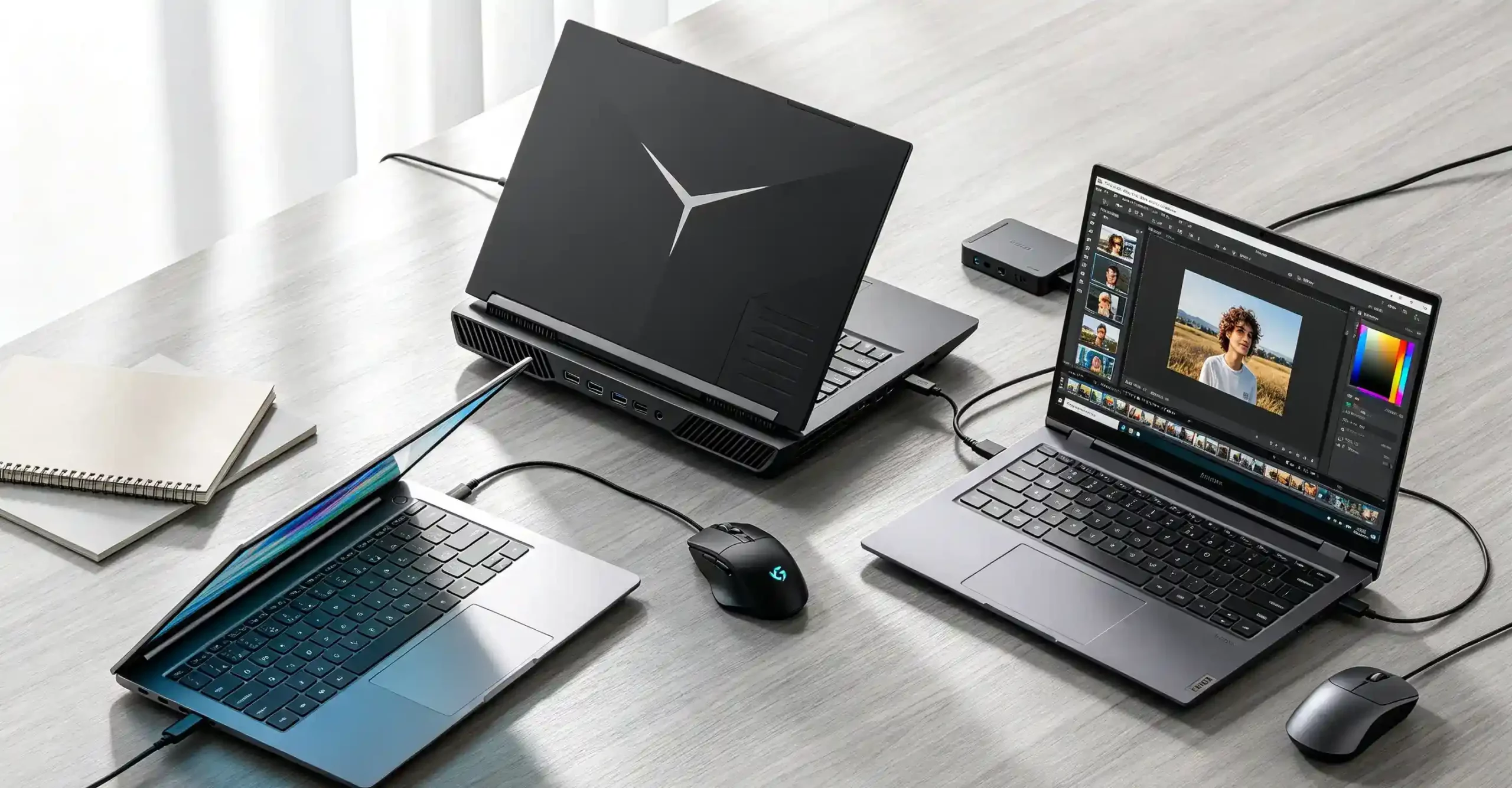
The key to selecting a laptop begins with establishing the manner in which you intend to use it. Not all uses of the computer require similar specifications, and choosing the correct one will save you from unnecessary expenses.
Laptop for Students and General Office Work
The laptop for students and general office workers should have the following features:
- Document editing
- Web browsing
- Online meetings
- Video streaming
- Email management
A balanced configuration is usually enough:
| Component | Recommended Specification |
| RAM | 8GB-16GB |
| Storage | 256GB-512GB SSD |
| Display | 13-15 inch Full HD |
For users planning to keep their laptop for several years, choosing 16GB RAM can provide better multitasking performance and longer usability.
Laptop for Gaming and High-Performance Tasks
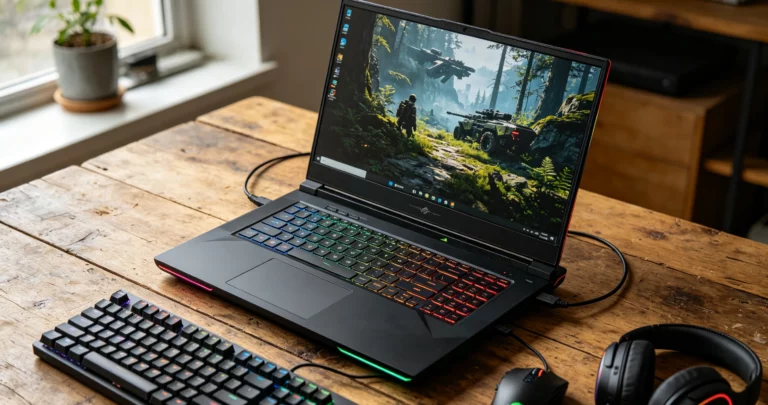
Gamers’ and professionals’ computers need better hardware, as their software makes use of the high-performance capabilities of both the CPU and GPU.
Such important factors are:
- Dedicated graphics card
- Multi-core CPU performance
- Efficient cooling system
Recommended specifications:
| Component | Recommended Specification |
| CPU | Intel Core i7 / AMD Ryzen 7 |
| RAM | 16GB-32GB |
| GPU | NVIDIA RTX series or equivalent |
| Storage | 512GB SSD or higher |
A good graphics card is necessary, but at the same time, one cannot overlook the cooling system. An efficient cooling system will ensure smooth operation of your device for hours.
Laptop for Creative Professionals
It’s common for designers, photographers, videographers, and content creators to need better equipment when working with software.
The main things you’ll need are:
- Strong CPU performance
- Large memory capacity
- Accurate color reproduction
For instance, editing videos in 4K resolution will generally require 16GB of RAM at the minimum and 32GB or more for larger projects. You will also need an excellent monitor with accurate colors.
2. Choose the Right Laptop Operating System
The operating system will determine whether software will be compatible and what kind of user experience you will have in the laptop’s ecosystem. The choice of operating system will depend greatly on your requirements.
Windows Laptop
There are plenty of Windows laptops available – from budget to workstation.
Main advantages include:
- Extensive software compatibility
- Large hardware selection
- Better support for gaming
Windows is suitable for:
- Business users
- Students
- Gamers
- Users who need specialized software
macOS Laptop
macOS laptops are known for their optimized performance and seamless integration with other devices.
Key advantages include:
- Smooth system performance
- Strong security features
- Excellent creative software experience
They are commonly preferred by professionals working in areas such as:
- Video production
- Graphic design
- Music creation
ChromeOS Laptop
ChromeOS laptops focus on simplicity, speed, and affordability.
They are ideal for people who require:
- Web-based applications
- Online learning tools
- Basic productivity software
Because ChromeOS requires fewer system resources, many devices offer fast startup times and long battery life.
3. Understanding Laptop Specifications
The configuration of a laptop determines its efficiency. An understanding of the parts will help consumers make purchases that are not solely influenced by marketing terms.
Processor (CPU): The Brain of a Laptop
The CPU is responsible for controlling the entire system and any application running on it. A powerful processor means faster execution of applications.
Types of CPUs used today are:
- Intel Core series
- AMD Ryzen series
- Apple Silicon chips
General performance levels:
| Processor Level | Suitable For |
| Core i3 / Ryzen 3 | Basic tasks |
| Core i5 / Ryzen 5 | Office work and daily use |
| Core i7 / Ryzen 7 | Professional applications |
| Core i9 / Ryzen 9 | Advanced workloads |
Choosing a processor should be based not only on its model but also on core count and performance.
RAM: Determines Multitasking Ability
RAM affects how many applications and processes your laptop can handle at the same time.
Common recommendations:
- 8GB RAM: Suitable for basic browsing and office tasks
- 16GB RAM: Ideal for most modern users
- 32GB RAM or more: Recommended for professional workloads
A person who needs to handle several tabs in a web browser or run office software would need more RAM.
Storage: Why SSD Matters
Laptops are increasingly relying on SSDs for their storage owing to the improved speed that this form of storage offers in comparison with HDDs.
| Feature | SSD | HDD |
| Speed | Faster | Slower |
| Durability | Higher | Lower |
| Noise | Almost silent | Mechanical noise |
| Power Efficiency | Better | Lower |
Whereas 256 GB of an SSD would be sufficient for basic purposes, a 512 GB SSD would generally be a good choice for storing heavy data.
4. Laptop Display Buying Guide
The display is one of the most important parts of a laptop because it directly affects viewing comfort and productivity.
Screen Size and Resolution
Different screen sizes suit different usage scenarios:
| Screen Size | Best For |
| 13-14 inches | Students and mobile professionals |
| 15-16 inches | Balanced performance and portability |
| 17 inches or larger | Gaming and professional work |
Resolution also influences image clarity:
- Full HD (1920×1080): Suitable for everyday use
- 2K: Provides sharper details
- 4K: Designed for professional editing and high-resolution content
Refresh Rate and Color Accuracy
Refresh rate determines how smoothly images appear on the screen.
- 60Hz: Enough for office tasks and general use
- 120Hz-144Hz+:Better for gaming and smoother visuals
In general, for graphic artists and other creators, the accurate representation of color matters more than the refresh rate of the display. Screens with good sRGB coverage, like 100% sRGB screens, offer better color accuracy.
Conclusion
However, picking the right laptop means that it is important to think beyond choosing the latest or the most expensive one. The right choice will always depend on your needs and budget.
If you are a student or an office user, then your priority should be reliability, mobility, and power efficiency of the laptop. If you are a gamer or a professional, then you must go for powerful processors, graphics, and a cooling system. As for creative users, they should pay special attention to memory and screen resolution.
With the help of knowing about laptop specs and assessing your needs correctly, you will get a high-performance device that you will use for many years to come.
0