
The landscape of the tablet market has shifted a lot in recent years. Even though the iPad from Apple still remains one of the top choices because of its impressive hardware, software optimization, and longevity of updates, it is no longer the only choice in the market. By 2026, Android and Windows tablets have gained considerable ground and are able to compete based on certain benefits.
For those who do not intend to be bound to the Apple ecosystem, there are multiple high-quality options of high quality which can be taken into account. There are devices that are designed for professional work by having desktop software, a good display, good performance, or lower prices.
In advance of buying a tablet computer, certain elements such as processing speed, screen, operating system, battery life, and other accessories need to be taken into consideration. Something that suits a student well may not necessarily suit a businessman or artist.
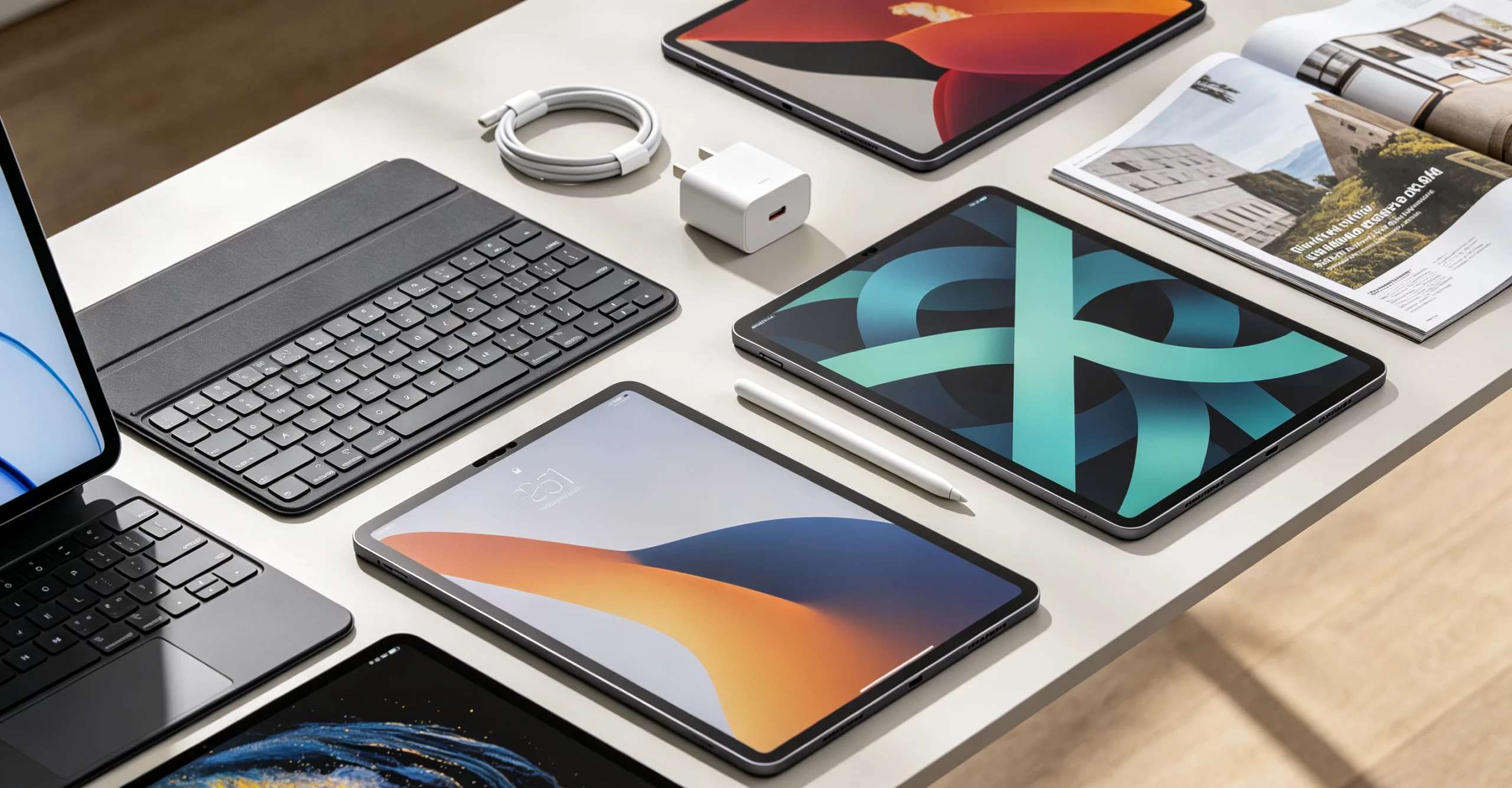
1. What Factors Should You Consider When Choosing a Tablet in 2026?
Performance and Hardware Configuration
Tablets today are not just restricted to simple entertainment purposes. The tablets that have come into being in 2026 have the capability of performing demanding tasks such as video editing, multitasking, cloud computing, and even playing games.
The processor is one of the important elements that can determine the performance of the device. They now processors that are very powerful, like the Qualcomm Snapdragon and MediaTek Dimensity processors.
When selecting a tablet, the following should be considered:
- RAM capacity:8GB would do the trick for daily usage, whereas 12GB or above is ideal for professional work.
- Storage options:128GB is a good place to start with, although 256GB or higher is preferable for creators or businesses.
- Thermal performance: This allows for stable performance when using the device for an extended period of time.
An advanced processor does not just boost performance, but will make the device last longer too.
Display Quality and User Experience
Undoubtedly, the screen remains the key advantage of tablets in relation to smartphones. By 2026, virtually all premium tablets will feature OLED screens, vibrant colors, and a refresh rate from 90 Hz up to 144 Hz. The higher the refresh rate, the better the scrolling and gaming performance, as well as writing with a stylus. For creative professionals, colors and resolution are equally important.
Different users should focus on different display features:
| Usage Scenario | Important Features |
| Entertainment | Large screen, strong speakers, high contrast |
| Studying | Low-latency stylus support, eye comfort |
| Creative work | Color accuracy, high resolution |
| Gaming | High refresh rate, fast response time |
Operating System and Ecosystem
The operating system is what defines how your tablet will integrate into your digital lifestyle.
iPadOS is still appealing because of its optimization of apps and integration into the Apple ecosystem. The hardware of Android tablets is more customizable, whereas Windows tablets provide users with a desktop computer-like experience.
Phone, laptop, and cloud service owners would realize that having a tablet within the same system would increase their productivity and efficiency.
2. Best iPad Alternatives You Should Consider in 2026
Samsung Galaxy Tab S10 Ultra: The Premium Android Alternative
Among the devices that compete with Apple’s iPads from Apple, in the upper-class category is the Samsung Galaxy Tab S10 Ultra. Tab S10 Ultra is developed specifically for consumers who want to own a tablet with a large screen size and great specifications.
Tab S10 Ultra has a large 14.6-inch AMOLED screen, multitasking capability, and S Pen compatibility.
Key advantages include:
- Large AMOLED display with excellent contrast;
- S Pen support for writing and creative tasks;
- Advanced multitasking features;
- Android customization options.
For students, designers, and professionals who frequently work with multiple applications, the Galaxy Tab S10 Ultra provides a productive alternative to the iPad Pro.
Microsoft Surface Pro 11: The Best Choice for PC-Level Productivity
While normal mobile tablets use mobile operating systems, the Microsoft Surface Pro 11 operates using Windows 11 to serve as an alternative to some aspects of a laptop. The main strength of this tablet is that it uses software compatible with Windows and enables one to use programs such as Microsoft Office.
Main benefits include:
- Full Windows desktop environment;
- Support for keyboard accessories;
- Suitable for business and remote work;
- Flexible tablet and laptop modes.
For professionals who frequently manage documents, spreadsheets, or specialized software, Surface Pro 11 offers a more computer-like experience compared with Android tablets.
OnePlus Pad 3: Strong Performance with Better Value
The OnePlus Pad 3 is meant for people looking for flagship-grade performance but at an affordable cost. The product has managed to attract many people due to its great performance at good prices.
The product comes with a powerful processor, a fast refresh-rate screen, and a huge battery.
Its strengths include:
- Smooth performance for multitasking;
- High refresh rate display;
- Long battery endurance;
- Strong price-to-performance balance.
This product will appeal to those who want to have a high-performing Android tablet without having to go for the most expensive one.
Lenovo Tab Extreme: A Large-Screen Productivity Tablet
The Lenovo Tab Extreme targets users who require a lot of screen space for productivity and leisure.
The device comes with a 14.5 inches screen, supports a keyboard, and has a stylus. Its advantages include:
- Large workspace for productivity;
- Excellent viewing experience;
- Support for productivity accessories.
This tablet would be ideal for people who often use documents, view videos, or need extra space beyond that of a regular 11-inch tablet.
Google Pixel Tablet: A Clean Android Experience
The Google Pixel Tablet provides an alternative way of designing a tablet by concentrating on software performance and integration with Google services.
Rather than engaging in competition based on hardware specifications, this tablet concentrates on its clean Android experience and easy integration with other services like Google Photos, Google Drive, and Google Assistant.
3. iPad vs Alternative Tablets: Quick Comparison
| Tablet | Operating System | Main Strength | Best For |
| iPad | iPadOS | App ecosystem and stability | Apple users, creators |
| Galaxy Tab S10 Ultra | Android | Display and multitasking | Productivity and entertainment |
| Surface Pro 11 | Windows | Desktop software support | Business users |
| OnePlus Pad 3 | Android | Performance and value | Gaming and daily use |
| Lenovo Tab Extreme | Android | Large display | Multitasking users |
Each tablet offers a different experience. iPad focuses on ecosystem integration, Android tablets provide flexibility, and Windows tablets bridge the gap between tablets and laptops.
The best choice depends on whether you prioritize creativity, productivity, portability, or affordability.
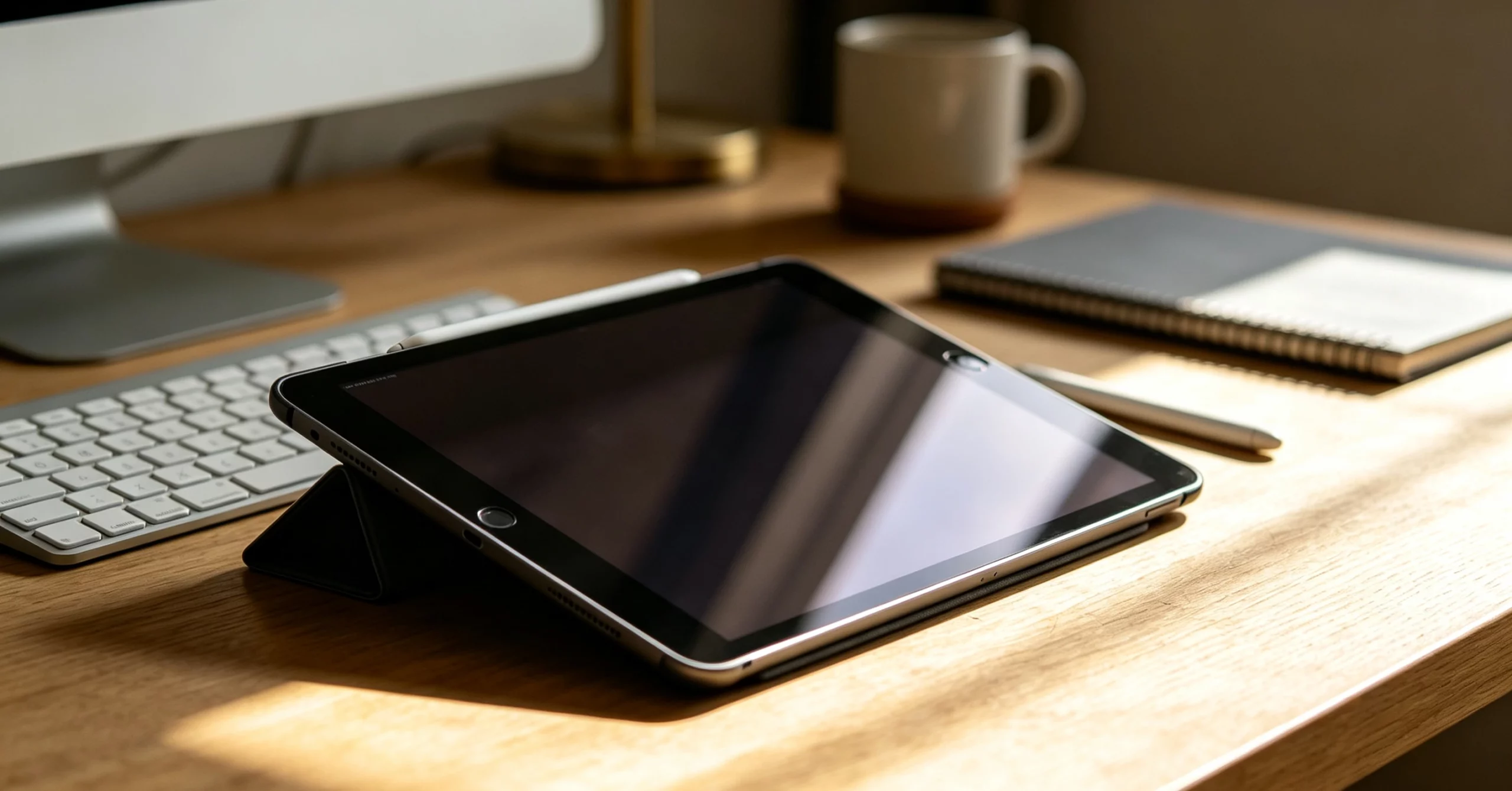
4. How to Choose the Right Tablet for Different Needs?
For Students
Students should focus on practicality rather than simply choosing the most powerful model.
Important features include:
- Stylus support for digital notes;
- Long battery life for classes;
- Lightweight design for portability;
- Sufficient storage for documents and learning materials.
A balanced mid-range tablet can often handle online courses, PDF reading, note-taking, and everyday tasks without requiring flagship-level hardware.
For Business Users
Business users usually need stronger productivity features.
Important considerations include:
- Keyboard support;
- Multitasking performance;
- File management;
- Software compatibility.
Users who need professional desktop applications may prefer Windows-based tablets, while those handling lighter office tasks can choose between Android and iPad alternatives.
For Entertainment and Gaming
For users who will use their tablets for entertainment, they should consider the display of the device, the audio speakers, and the battery life of the tablet.
This could be a tablet that has an 11-inch display or even a bigger display, along with good audio.
Gaming enthusiasts should also pay attention to the CPU and heat generation capabilities of the tablet.
Conclusion
By 2026, tablets have become much more diverse than ever before. Even though the Pad still remains one of the best choices because of the established ecosystem and reliability of the device, Android- and Windows-based tablets can be considered alternative solutions for various groups of people.
Samsung Galaxy Tab S10 Ultra provides an excellent experience as an Android tablet, Surface Pro 11 can be considered a highly productive device like a laptop, and OnePlus Pad 3 is a perfect example of great performance at an acceptable price. However, there are also gadgets such as the Lenovo Tab Extreme or Google Pixel Tablet that cater to users with certain specific needs.
Hence, when deciding on purchasing a suitable tablet, it should not be done on the basis of the tablet’s brand and specs alone. The choice would depend on your working style, budget, and preferred ecosystem.
0


.webp)